> ## Documentation Index
> Fetch the complete documentation index at: https://moengage-sdk-deprecated-versions-all-platforms.mintlify.site/llms.txt
> Use this file to discover all available pages before exploring further.
# Why Is the Template Backup Content Displayed Instead of the Basic Rich Push Content?
> Fix the issue where template backup content shows instead of basic rich push content by properly configuring both template sections in MoEngage.
## Problem
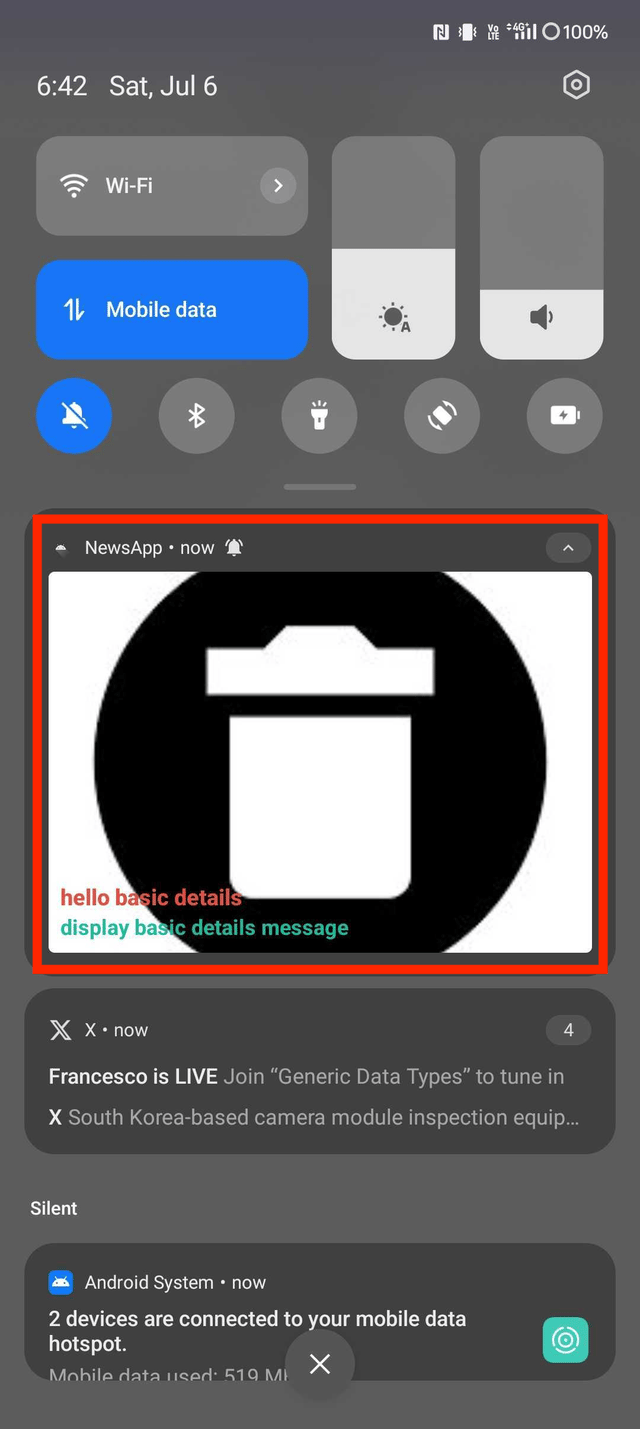
When content is added to the basic rich push template, the template backup content appears instead of the basic rich push content.
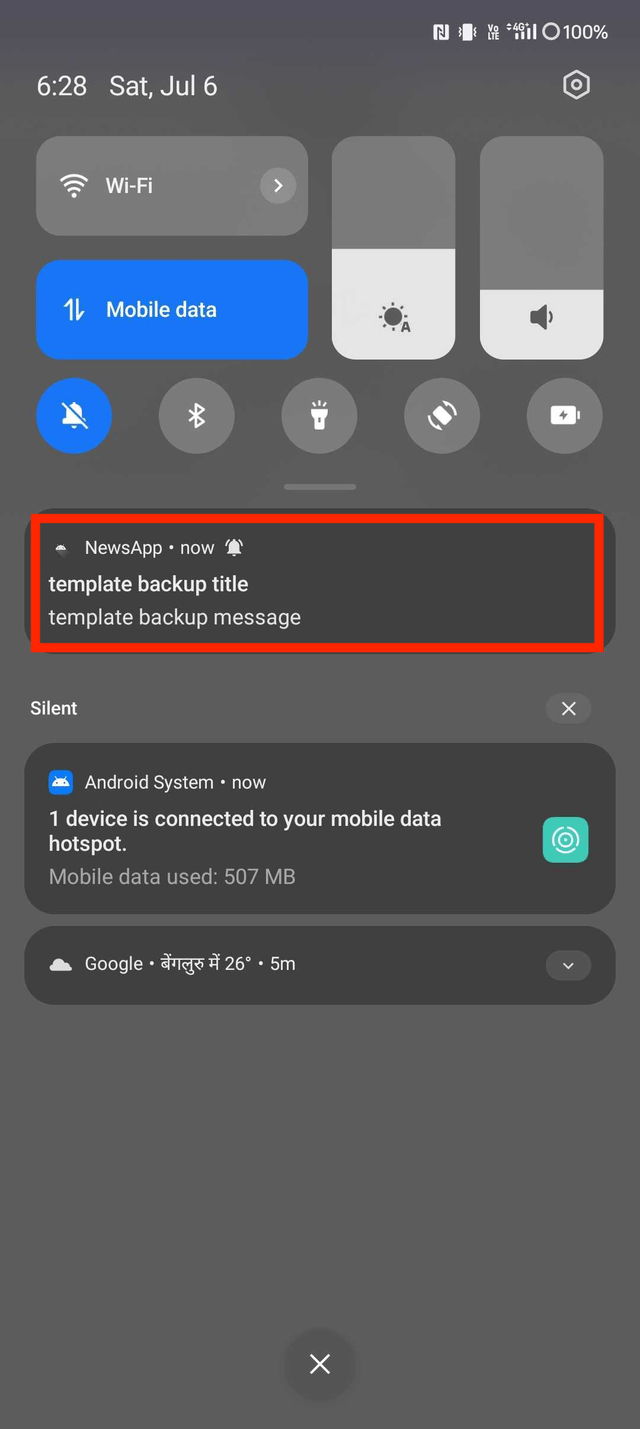 This issue occurs because the MoEngage rich notification dependency is not added to the app-level build.gradle file.
## Solution
Perform the following steps:
1. In rich push notifications, the displayed content varies based on the device and its version.
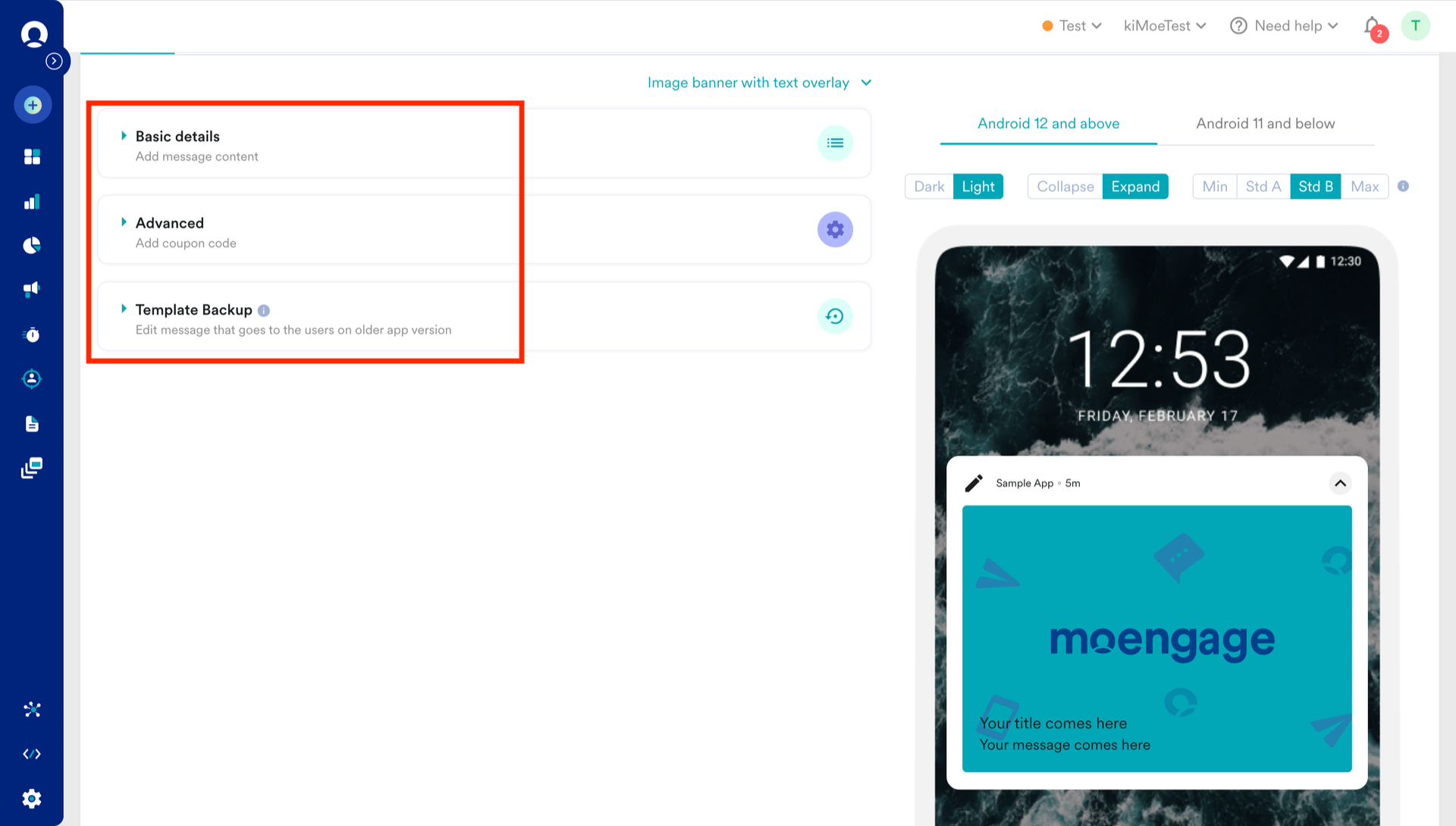
2. Ensure that campaign data for rich push templates is added in the following sections :
* **Basic details**
* **Template Backup**
This issue occurs because the MoEngage rich notification dependency is not added to the app-level build.gradle file.
## Solution
Perform the following steps:
1. In rich push notifications, the displayed content varies based on the device and its version.
2. Ensure that campaign data for rich push templates is added in the following sections :
* **Basic details**
* **Template Backup**
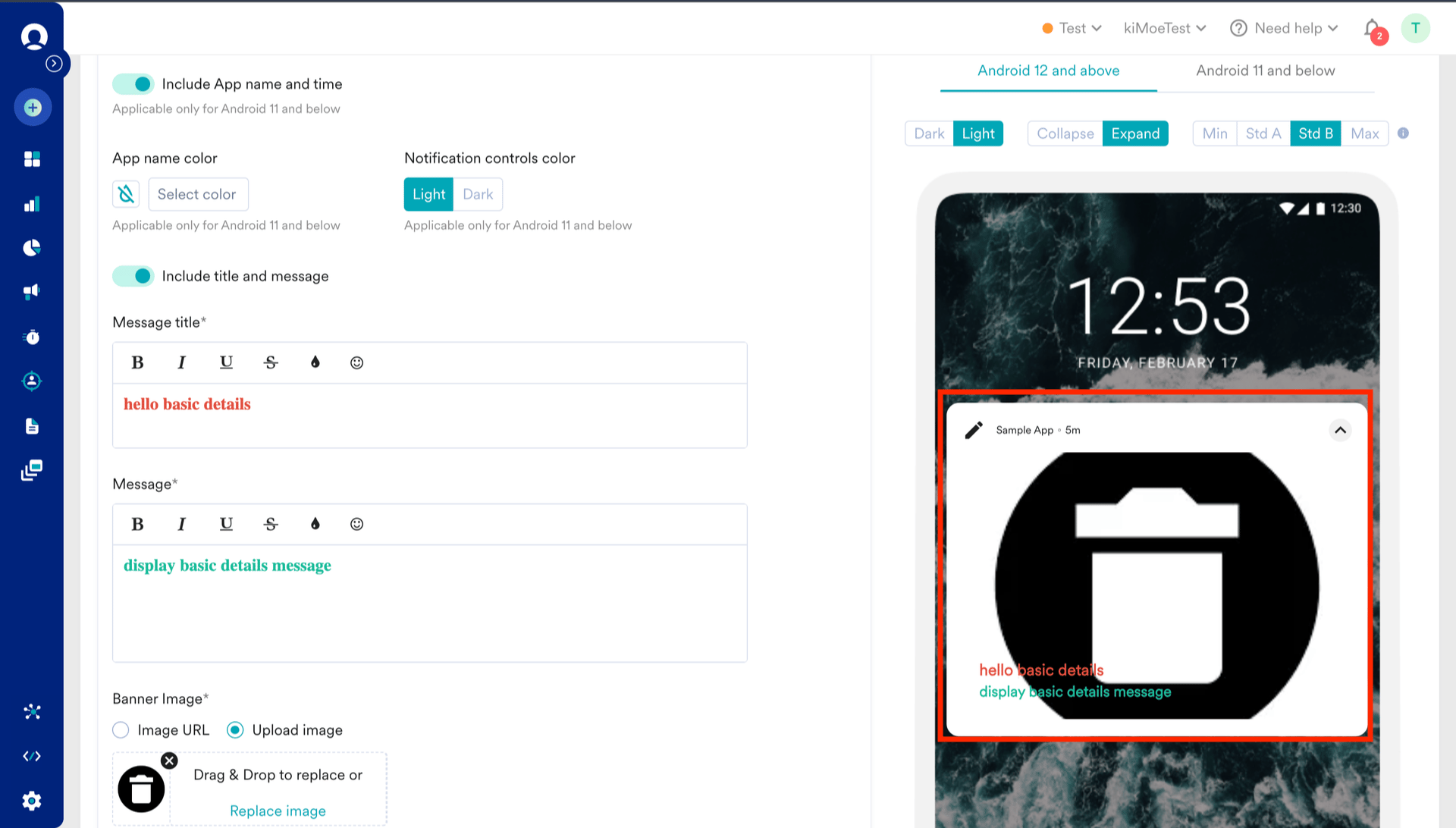
 3. On the preview screen, the message title and body is updated when you modify the basic details.
 4. You can customize the template backup content in the **Template Backup** section.
 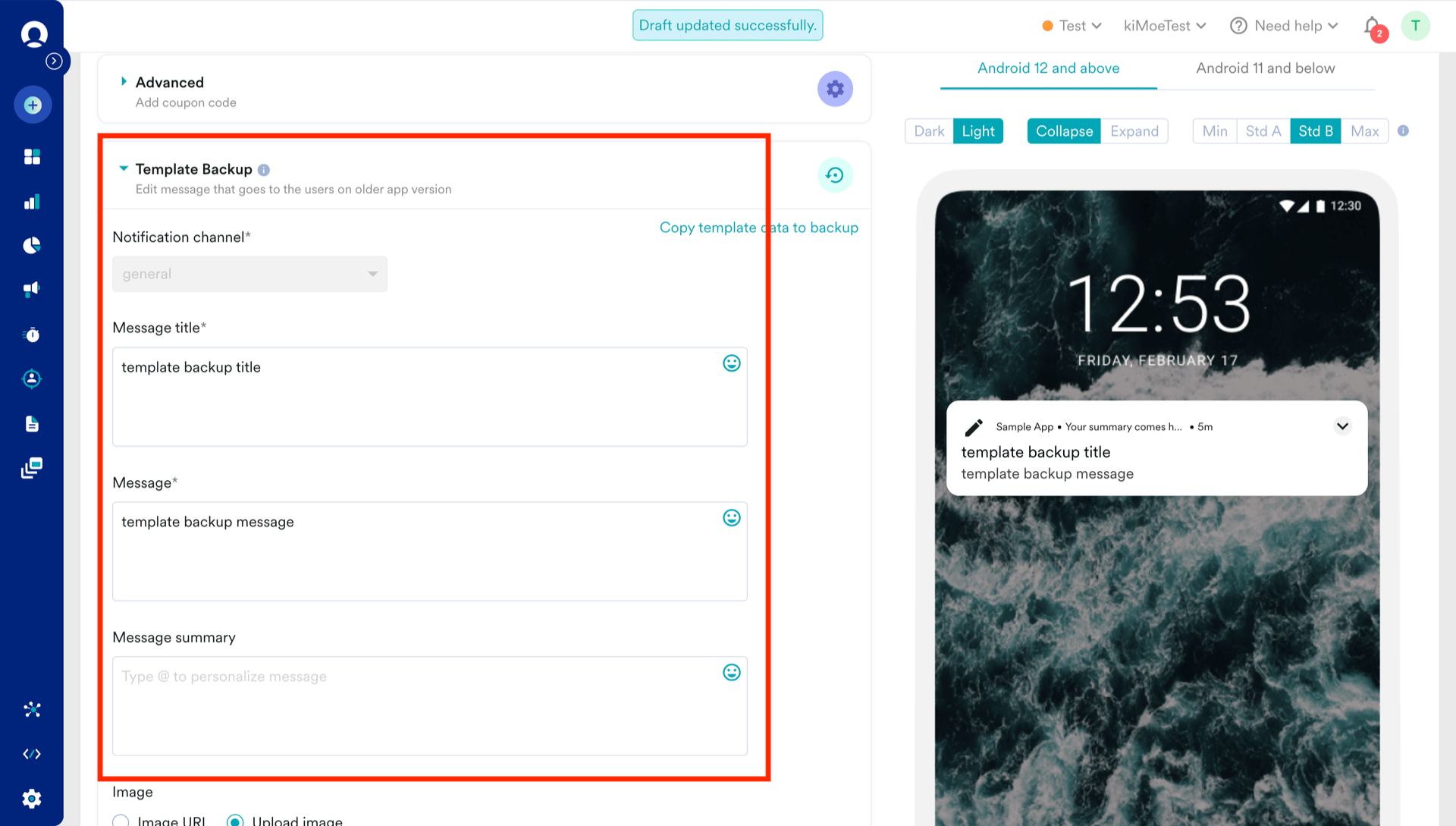 5. Make sure to add the MoEngage rich notification dependency to the app-level build.gradle file to ensure the template backup content and basic rich push content are displayed correctly.
```groovy Code theme={null}
build.gradle(:app)
dependencies {
implementation(moengage.richNotification)
}
```
5. Make sure to add the MoEngage rich notification dependency to the app-level build.gradle file to ensure the template backup content and basic rich push content are displayed correctly.
```groovy Code theme={null}
build.gradle(:app)
dependencies {
implementation(moengage.richNotification)
}
```